

Driver’s Licence Scanner for Car Dealerships
Scan the front of a driver’s licence or the barcode on the back and HillzDealer captures the available customer information. Customer records, CRM leads, deals and dealership documents fill in without retyping names, addresses and licence numbers.
Supports Canadian driver’s licences and U.S. driver’s licenses, on desktop and in the HillzDealer mobile app.
See the fields it captures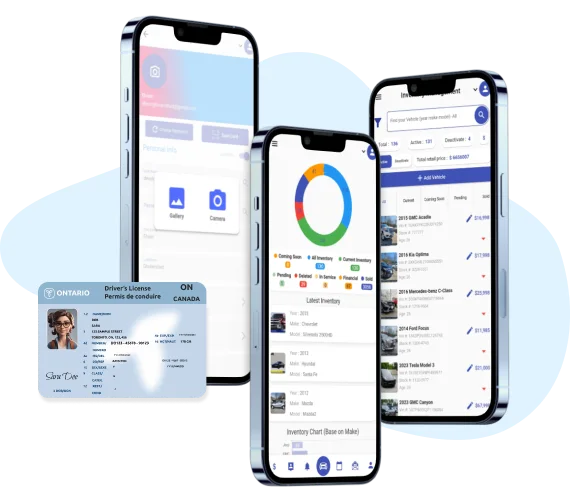
Scan the front or the barcode on the back
Retyping a customer’s name, address and licence number is slow and easy to get wrong. With HillzDealer, staff scan the front of a driver’s licence or the barcode on the back, on desktop or in the mobile app.
The scanner supports Canadian driver’s licences and U.S. driver’s licenses, so the same workflow works for dealerships on both sides of the border.
- Front-of-licence scan
- Back barcode scan
- Canadian licences
- U.S. licenses
- Desktop scanning
- Mobile app scanning
Capture the available customer fields
HillzDealer captures the available fields from the licence. What is available depends on the licence itself, so staff confirm the result before saving it to the customer.
- Name
- Address
- Date of birth
- Licence number
- Expiry date
- Province or state
- Postal or ZIP code
- Photo
Send scanned details where they are needed
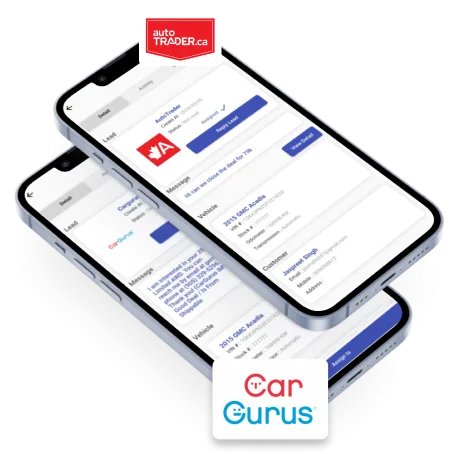
One scan can fill several parts of the dealership workflow: a customer record, a lead in your car dealership CRM, a deal and dealership documents such as the Bill of Sale.
Because the information is captured once, the customer’s name and address match across the lead, the deal and the paperwork.
- Customer record
- CRM lead
- Deal
- Dealership documents
Faster walk-ins, test drives and deal paperwork
Scan a licence when a customer walks in, before a test drive or at the deal desk. On the lot, salespeople can use the HillzDealer mobile app to capture the customer without sending them inside to fill out a form.
Licence images follow your dealership’s settings
Whether the licence image is stored is optional and configured in your dealership’s settings, and user roles control who can view customer information.
HillzDealer does not provide legal advice or guarantee regulatory compliance. Your dealership stays responsible for its identification, privacy and record-keeping policies.