

QuickBooks Online Integration for Car Dealerships
Connect HillzDealer dealership accounting with QuickBooks Online. Supported two-way synchronization keeps sales, expenses, receipts, purchases, vendor information and customer information aligned between your dealership platform and your books, with automatic and manual sync.
An optional paid HillzDealer feature for car dealerships in Canada and the United States. Requires a compatible QuickBooks Online subscription.
See what synchronizes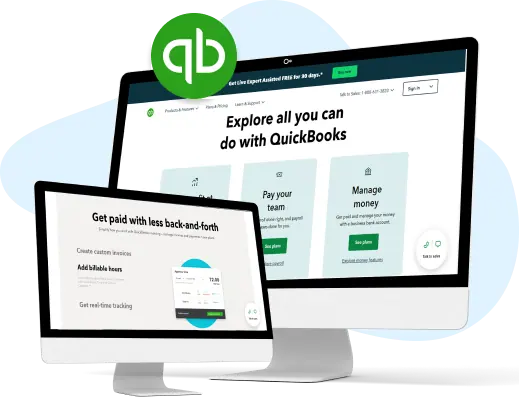
Why car dealerships connect HillzDealer with QuickBooks Online
Day-to-day dealership activity happens in HillzDealer: vehicles are purchased and reconditioned, deals are completed, payments are received and expenses are recorded. Many dealerships also keep their books in QuickBooks Online, often with an outside accountant or bookkeeper.
Without a connection, the same sale, expense or vendor ends up being typed twice. The HillzDealer QuickBooks Online integration reduces that duplicate data entry by synchronizing supported records between your car dealership accounting software and QuickBooks Online.
What synchronizes between HillzDealer and QuickBooks Online
Supported two-way synchronization keeps the core financial records your dealership and accountant rely on aligned in both systems.
- Sales
- Expenses
- Receipts
- Purchases
- Vendor information
- Customer information
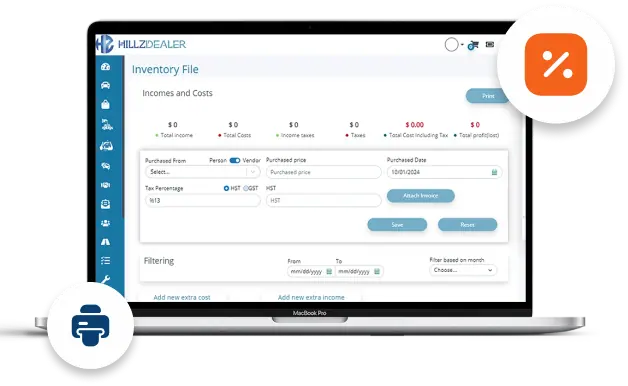
Automatic and manual synchronization
Automatic synchronization keeps HillzDealer and QuickBooks Online aligned as dealership activity is recorded, so your books are not waiting for an end-of-month export.
Manual synchronization lets authorized users run a sync whenever they choose, for example after reviewing a batch of expenses or before handing records to an accountant. The exact synchronization settings are confirmed during setup.
Setup and requirements
QuickBooks Online integration is an optional paid HillzDealer feature. It requires a compatible QuickBooks Online subscription, and some entry-level QuickBooks plans may not support the functionality the integration needs.
The connection can be configured by your dealership's staff or by the HillzDealer team. Multi-location configurations, multiple QuickBooks companies and historical-data requirements are reviewed case by case.
- Compatible QuickBooks Online subscription
- HillzDealer QuickBooks Online integration
- Setup by dealership staff or HillzDealer
- Case-by-case review for multi-location setups
Connected to vehicle costs, deals and reporting
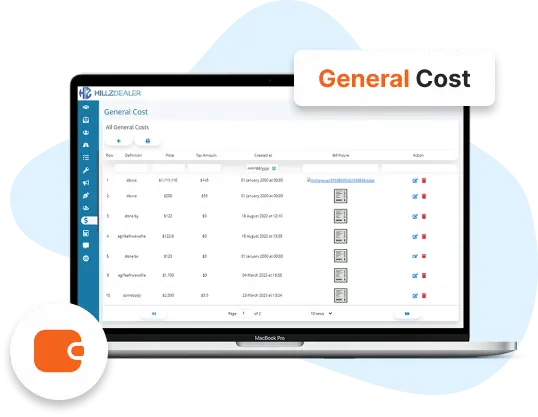
The records that synchronize with QuickBooks Online start in connected HillzDealer workflows. Vehicle purchase and reconditioning costs, completed deals and payments, vendors and expenses all live in the same platform.
That keeps vehicle-level profitability, front-end and back-end gross, and dealership reporting in HillzDealer, while QuickBooks Online remains the general ledger your accountant works in.
What the integration does not cover
The integration works with QuickBooks Online only; QuickBooks Desktop is not supported. HillzDealer does not provide payroll, and the integration does not synchronize payroll.
Because QuickBooks plans differ, not every QuickBooks Online plan supports the integration. Confirm your plan and requirements with the HillzDealer team before you rely on a specific workflow.