
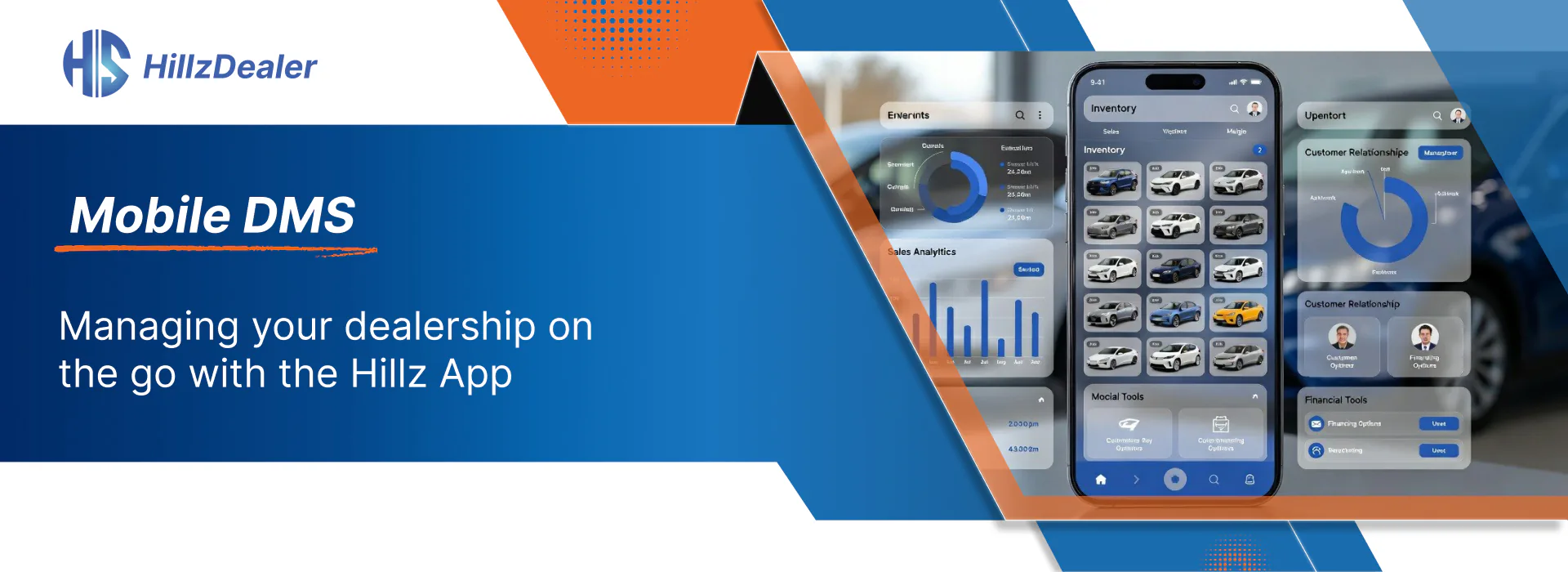
Dealership activity happens in many places.
Employees may be assisting customers on the lot, inspecting a vehicle, attending an auction, moving between dealership locations, or working away from their main workstation.
A mobile DMS gives authorized dealership employees access to selected operational information from a compatible mobile device.
The purpose is not to place every desktop function on a smaller screen. It is to make useful customer, vehicle, lead, and deal information available when and where employees need it.
What Is a Mobile DMS?
A mobile dealer management system connects mobile access with the dealership’s broader software platform.
Depending on the employee’s role and selected configuration, mobile access may include:
- Vehicle inventory
- Customer information
- Leads
- Deal activity
- VIN scanning
- Driver’s licence scanning
- Customer communication
- Team communication
- Contract status
- Vehicle details
A mobile DMS is most valuable when information entered on the mobile device remains connected to the dealership’s central records.
Access Vehicle Information on the Lot
Employees often need to review or update vehicle information while standing beside the unit.
Mobile inventory management tools can support activities such as:
- Reviewing vehicle details
- Viewing vehicle status
- Adding or editing inventory information
- Capturing or uploading vehicle photos
- Scanning a VIN
- Reviewing customer interest
- Checking related deal activity
The HillzDealer Mobile App connects these activities with the dealership’s inventory and operational information.
Use VIN Scanning
Typing a VIN manually can be time-consuming and may create avoidable entry errors.
A mobile VIN scanner allows an employee to capture a VIN from the vehicle or relevant documentation and use it within the vehicle-information workflow.
Employees should still confirm that the captured information matches the vehicle and dealership records.
Support Driver’s Licence Scanning
Driver’s licence scanning can help employees populate required customer information within supported dealership forms and workflows.
Access to customer identification information should be limited to authorized employees and managed according to dealership policies and applicable requirements.
The scanner should be viewed as a data-entry tool, not as a replacement for employee review or identity-verification procedures.
Stay Connected to Customers and Leads
Customer inquiries can require timely attention even when a salesperson is away from a desk.
Mobile CRM access can help employees review:
- Customer information
- Lead details
- Vehicle interests
- Communication history
- Follow-up activity
- Deal status
- Contract status
The information remains more useful when it is connected to the dealership’s main automotive CRM.
Review Deal Activity
Managers and employees may need to understand what is happening with active transactions while moving around the dealership or between locations.
Mobile deal visibility can help authorized users review:
- Customer and vehicle information
- Deal activity
- Negotiation status
- Contract status
- Related communication
The exact actions available should depend on the employee’s role and the dealership’s configured workflow.
Mobile access should remain limited to the actions allowed by each employee’s role and the dealership’s configured workflow.
Support Communication
In-app communication can help employees remain connected to customers, leads, and dealership activity from a mobile device.
The dealership should determine:
- Who can communicate through the platform
- Which messages should be retained
- How leads are assigned
- How communication is connected to customer records
- Which employee roles have mobile access
Clear responsibilities are especially important for dealerships with multiple departments or locations.
Mobile Access for Different Dealership Types
Independent Dealerships
Mobile tools can help a small team work with inventory, customers, and active deals while moving between the office and vehicle lot.
Franchise Dealerships
Employees can use role-based mobile access for information relevant to sales, inventory, customer, and deal workflows.
Multi-Location Groups
Authorized employees can stay connected while moving between locations, subject to location-level and employee access settings.
BHPH Operations
Where included in the selected configuration, relevant customer account and payment information may remain connected to the dealership’s broader platform.
For dealerships offering in-house financing, mobile access can support selected BHPH account and payment workflows alongside the app’s broader inventory, customer, lead, and deal tools.
Review Mobile Access and Security Requirements
Dealerships should review how mobile access is configured for their employees and workflows, including:
- Individual user accounts
- Role-based access
- Compatible mobile-device access
- Connected dealership records
Technical security, data handling, retention, and regulatory questions should be addressed through approved documentation and requirements discussions.
How HillzDealer Supports Mobile Dealership Work
HillzDealer’s mobile platform supports:
- Mobile inventory access
- Customer and CRM information
- Lead and deal activity
- VIN scanning
- Driver’s licence scanning
- In-app communication
The app is available through the Apple App Store and Google Play. Available functions should be reviewed according to the dealership’s selected products, user access, configuration, and device compatibility.
Topics