
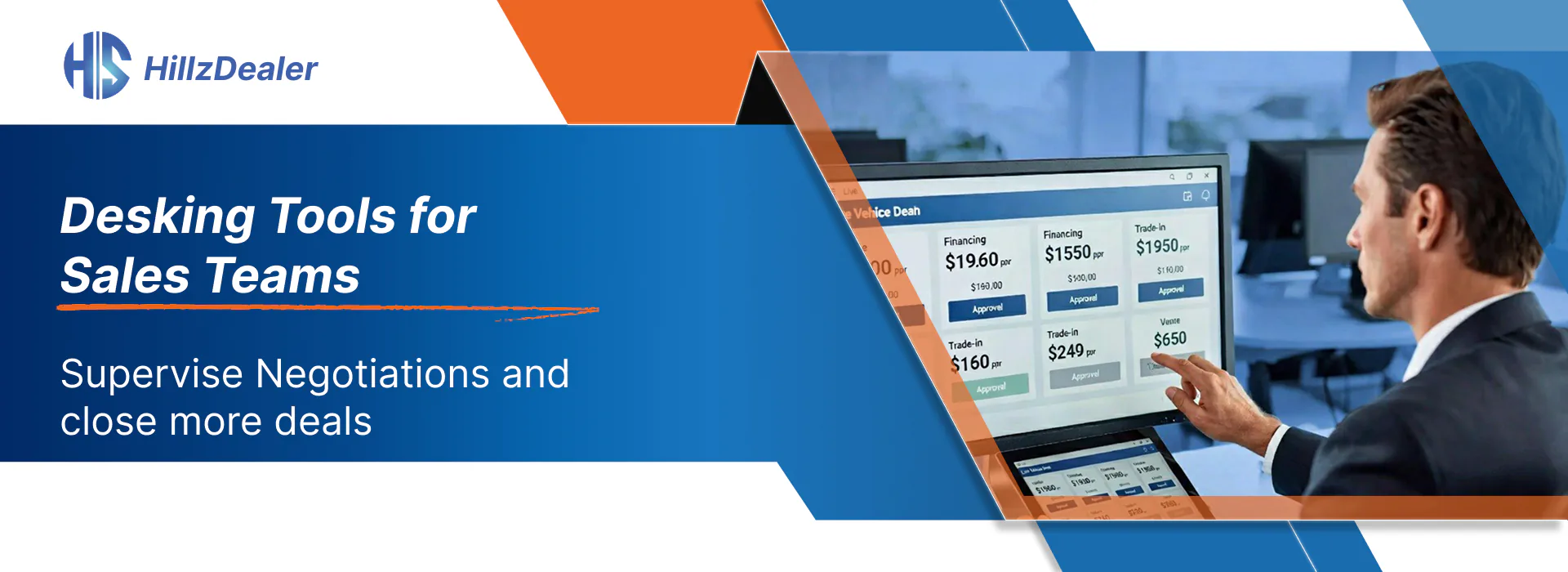
Vehicle desking brings together customer information, vehicle pricing, trade-in details, payment calculations, manager review, and the structure of a proposed transaction.
When this process depends on handwritten notes, separate calculators, spreadsheets, or repeated conversations, salespeople and managers may have difficulty understanding the current status of the offer.
Automotive desking tools provide a more structured way to prepare, review, and revise customer offers.
What Are Automotive Desking Tools?
Desking tools are part of a dealership’s sales and deal-management workflow.
They can help authorized employees organize:
- Customer information
- Vehicle information
- Selling price
- Trade-in details
- Payment and deal calculations
- Manager review
- Approval activity
- Deal-profitability visibility
- Related CRM and inventory information
The purpose is to help dealership employees work through an offer using consistent information.
Desking software supports the dealership’s process; approvals, margins, and sales outcomes remain subject to employee and management decisions.
Connect Customer and Vehicle Information
The desking process begins with understanding the customer and the vehicle involved.
When desking is connected with the dealership’s CRM and inventory management system, employees can work with information such as:
- Customer contact details
- Vehicle interests
- Selected inventory unit
- Vehicle pricing
- Trade-in information
- Prior communication
- Existing deal activity
This reduces the need to re-create the same records in an unrelated tool.
Prepare Structured Customer Offers
A structured offer helps the dealership present relevant transaction information in a consistent format.
Depending on the deal and selected configuration, the offer may include:
- Vehicle price
- Trade-in details
- Deal calculations
- Payment information
- Accessories or selected products
- Required manager review
- Supporting documents
Employees remain responsible for verifying every figure and ensuring that the offer reflects the dealership’s approved process.
Coordinate Manager Review
Manager review is often a central part of automotive desking.
Connected desking tools can help managers:
- Review active deal information
- Understand the customer and vehicle context
- Check pricing and trade-in details
- Review calculations
- Provide guidance
- Coordinate required approvals
- Monitor deal status
This can reduce unnecessary movement between disconnected documents and systems.
Approval authority remains with the dealership and should follow its configured management process.
Maintain Deal-Profitability Visibility
Desking tools may help authorized employees review the financial structure of a proposed transaction.
This can provide greater visibility into:
- Vehicle pricing
- Vehicle cost information
- Trade-in details
- Deal calculations
- Related expenses
- Expected transaction results
The software provides information to support dealership decision-making. It does not guarantee profitability or replace management review.
Keep the Deal Connected After Desking
Desking should not become an isolated step.
Once the offer progresses, relevant information should remain connected to:
- Deal status
- Manager review
- Contracts and forms
- Electronic-signature workflows
- Payment records
- Accounting information
- Completed documents
Connected automotive deal management software helps maintain this transaction context from the customer opportunity through completion.
Support Consistency Across the Sales Team
Dealerships can establish an approved desking process that clarifies:
- Which information salespeople enter
- When manager review is required
- Who can change pricing or terms
- How trade-in information is recorded
- Which calculations must be checked
- How documents are prepared
- How the deal moves to finance or administration
- Which records are retained
Software supports consistency only when the dealership also establishes clear responsibilities and training.
Use Desking Tools Across Dealership Structures
Independent Dealerships
A connected process can help a smaller team organize customer offers, pricing, vehicle details, and manager decisions.
Franchise Dealerships
Structured desking can support defined roles across salespeople, managers, finance, and administration.
Multi-Location Groups
Location-based users and managers can work with connected deal information while maintaining appropriate employee access.
New- and Used-Vehicle Operations
Desking workflows can be configured around the dealership’s inventory, pricing, trade-ins, documents, and sales process.
What Dealerships Should Review
Before implementing desking software, review:
- Who can create or revise offers?
- Which changes require manager review?
- How is vehicle cost information handled?
- How are trade-ins documented?
- Which payment calculations are required?
- How does desking connect to CRM and inventory?
- How does the process move into documents and electronic signatures?
- Which information must connect to accounting?
- What reporting is needed?
- How should access differ by role or location?
How HillzDealer Supports Dealership Desking
HillzDealer’s DMS supports:
- Structured customer offers
- Vehicle pricing and trade-in information
- Payment and deal calculations
- Manager-review workflows
- Deal-profitability visibility
- Connected CRM and inventory data
- Deal status and activity tracking
- Connected document workflows
Available configuration should be reviewed according to the dealership’s products, users, locations, approvals, documents, and operational requirements.
Topics